How to Pack Electronics for Air Travel Safely
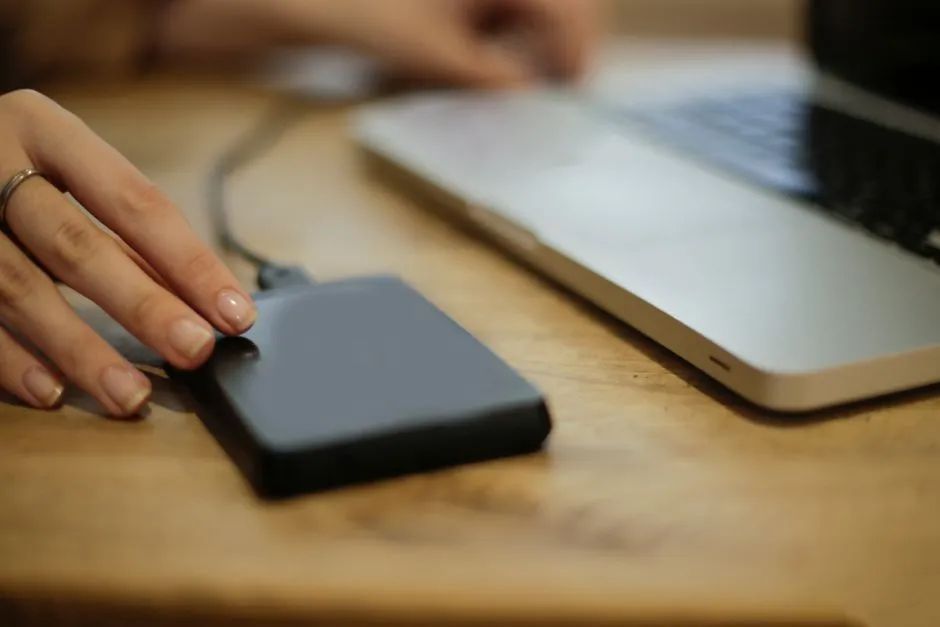
Keep batteries accessible in the cabin
Pack electronics in carry-on baggage where you can protect and access them. Under current U.S. Federal Aviation Administration rules, spare lithium batteries and power banks must travel in carry-on baggage only, protected from short circuits and physical damage. If the bag is checked at the gate, remove them and retain them in the cabin.
Airlines and other countries may be stricter. Check every carrier and jurisdiction on the itinerary shortly before travel. Battery rules are not the ideal place for a confident memory from four vacations ago.
Read the battery label
The current FAA PackSafe lithium-battery page limits ordinary spare rechargeable lithium-ion batteries to 100 watt-hours per battery. It states that 101–160 Wh batteries may be carried only with airline approval and are limited to two larger spares; carrier rules may be stricter. Batteries exceeding those limits face further prohibition or special rules.
Use the watt-hour rating printed by the manufacturer. If only volts and amp-hours appear, calculate:
watt-hours = volts × amp-hours
A battery marked 12 V and 8 Ah is 12 × 8 = 96 Wh. When milliamp-hours are shown, divide by 1,000 to get amp-hours before multiplying. Do not invent a voltage for a pack with an incomplete label. Contact the manufacturer and airline.
Mobility devices and medical equipment can have separate procedures. Coordinate with the airline well ahead of travel rather than applying ordinary power-bank advice.
Protect against short circuits and damage
Keep spare batteries in original retail packaging, a suitable battery case, individual protective pouch, or with exposed terminals insulated as current official guidance allows. Prevent contact with keys, coins, jewelry, tools, and other metal.
Do not pack a battery that is swollen, cracked, leaking, punctured, unusually hot, defective, or recalled. The FAA prohibits damaged or recalled batteries and affected devices when they present the relevant heat or spark hazard unless made safe under applicable rules. Follow manufacturer and local hazardous-waste directions; never puncture or crush a lithium cell.
The gadget guides treat a battery inspection as required packing, not an optional side quest after boarding begins.
Build the carry-on in layers
Place electronics where they are protected from bending and impact but can be removed for screening. A practical order is:
- Soft clothing or bag structure against the outer wall
- Laptop or tablet in a fitted sleeve
- Organizer with chargers and loosely coiled cables
- Accessible pouch for power banks and spare batteries
- Nothing heavy or sharp pressing into a screen
Do not position a rigid charger directly against a laptop display. Avoid tight cable bends and pressure on plugs. Turn devices fully off when required; sleep mode may allow accidental wake-up. Protect switches from activation.
Use the guide to the best travel tech organizer to select a layout by loadout. An organizer adds control, not permission to bury a power bank beyond reach.
Prepare for security screening
Screening instructions vary by airport, lane, equipment, program, and country. Pack laptops, tablets, and larger electronics so they can be removed without emptying the entire bag, then follow the officer's direction at the checkpoint.
Before leaving the screening area, count devices, battery pouches, cables, and trays. Keep serial numbers and proof of ownership stored securely, but do not expose them unnecessarily. Use device encryption and a strong passcode; review account recovery and remote-location settings before the trip.
Back up essential data before travel. Physical protection cannot restore the only copy of a presentation, photograph, or work file.
Handle gate checking without panic
Assume any cabin bag could be gate-checked. Put power banks, spare batteries, medication, travel documents, keys, and critical small electronics in one removable personal-item pouch that complies with the carrier's rules.
If staff take the carry-on for the hold, remove spare batteries and power banks first. The FAA also advises keeping lithium-powered devices with the passenger when a bag is checked at the gate or planeside. Ask staff when uncertain; do not secretly leave prohibited items inside because the zipper has already won.
Watch devices during the flight
Follow crew instructions and airline rules about use and charging. Keep devices where they are not crushed by seat mechanisms, and retrieve a dropped phone with crew assistance rather than moving a powered seat against it.
If a battery or device becomes hot, swells, smokes, sparks, or burns, notify cabin crew immediately. Do not cover it, move it casually, or improvise a remedy. Crew members have procedures and need prompt information.
On arrival, inspect the kit before connecting to unfamiliar power. Use chargers and plug adapters compatible with the destination supply and the device's marked input. A shape adapter does not necessarily convert voltage. The successful electronics kit lands intact, labels readable, cables relaxed, and every battery exactly where the traveler can find it.